
Frequently Asked Questions
Still unsure how it works?
Check out the FAQ to learn more!
-
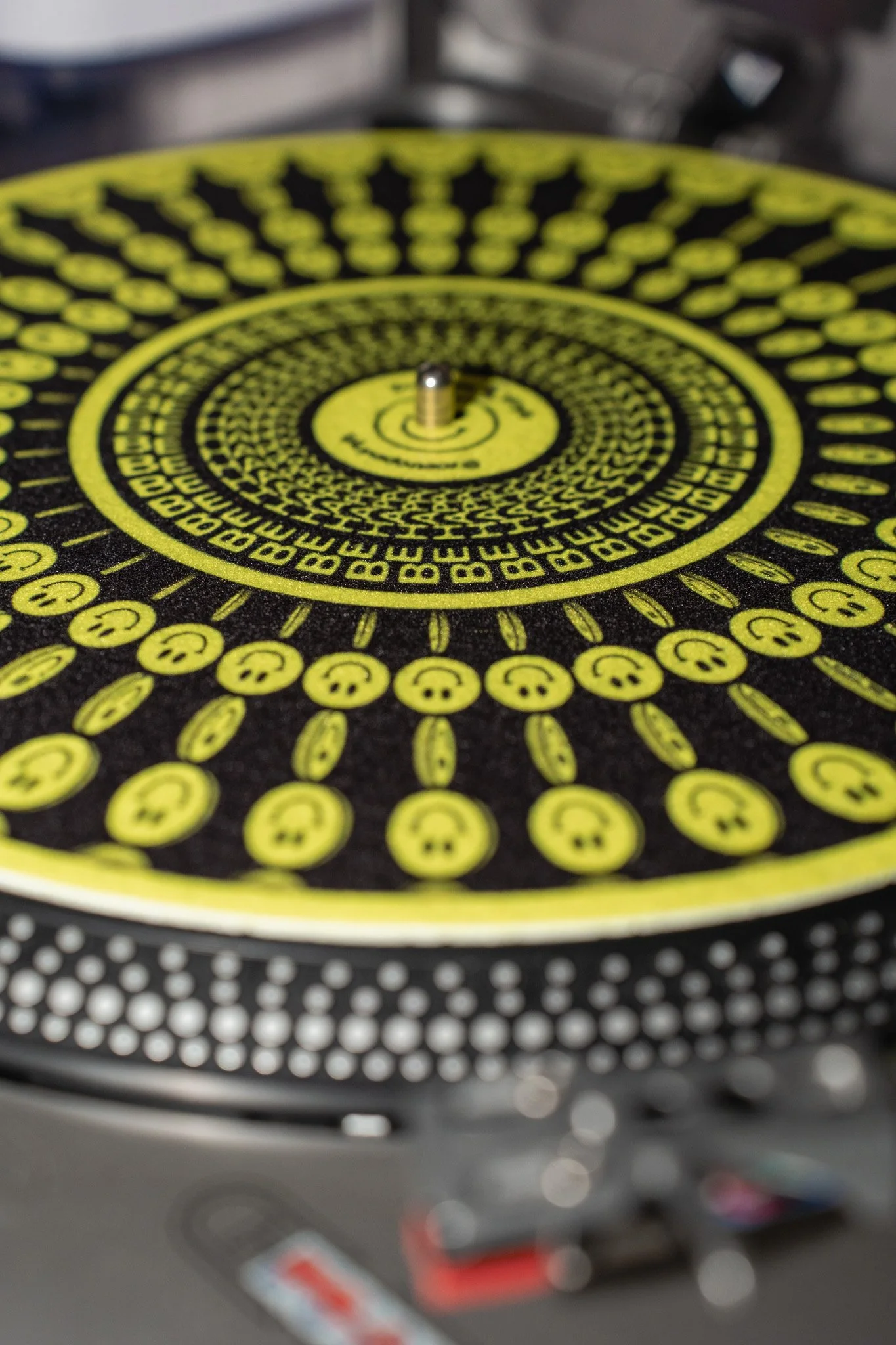
A zoetrope slipmat is a turntable slipmat printed with a sequence of images arranged in a circular pattern. When the record spins at the correct speed and is viewed through a camera, the still images appear to animate, creating a striking visual effect rooted in early animation techniques!
-
Simply place the slipmat on your turntable like a normal slipmat, put a record on top, and play it at the recommended speed (usually 33⅓ or 45 RPM, depending on the design). The slipmat will spin beneath the record while the animation effect is revealed through a camera.
-
No — to the naked eye, the images will usually appear blurred. The animation relies on the camera’s digital sampling (frame rate and shutter) to create the illusion of motion.
-
Use bright, even lighting
Natural daylight or strong continuous lighting works best. Avoid dim rooms.Avoid flickering lights
LED lights that flicker can interfere with the animation effect.Hold your camera steady
A tripod or resting your phone on a surface helps keep the image sharp.Experiment with speeds and settings
Small changes in RPM or frame rate can dramatically change the animation.Keep the slipmat clean
Dust or fingerprints can reduce image clarity on camera.
-
No. The animation works whether or not audio is playing — the important thing is the rotational speed.
-
Most standard turntables will work, as long as they maintain a consistent speed. Direct-drive and belt-drive turntables both work well.
-
Open the Settings app
Go to Settings on your iPhone (not the Camera app).Scroll down and tap “Camera”
This is where all video recording settings are located.Tap “Record Video”
You’ll see a list of resolution and frame-rate options.Select a 30fps option
Choose any option that ends in 30 fps, such as:1080p HD at 30 fps
4K at 30 fps
Close Settings
Your selection is saved automatically.Open the Camera app
Switch to Video mode — your iPhone will now record at 30fps.
-
Open the Camera app
Switch to Video mode
Make sure you’re in video recording mode, not photo.Open Camera Settings
Tap the gear icon (⚙️) or settings menu in the camera app.Find Video Resolution or Frame Rate settings
Look for options such as:Video size
Video resolution
Frame rate
Advanced video settings
Select a 30fps option
Choose a setting that includes 30fps, for example:1080p at 30fps
4K at 30fps
-
You can reach us anytime here